How to Convert PDF to CAD Offline
Convert PDF to CAD or CAD to PDF (dwg/dxf) offline on desktop. Accurate vector conversion for engineers — PDF Agile.
Engineers and draftsmen often need to convert PDF blueprints back into CAD formats (like DWG or DXF) to make modifications in AutoCAD or similar software. If you are working on confidential military, infrastructure, or commercial designs, utilizing an offline desktop converter is essential. In this guide, we discuss free manual options and explain how to convert PDF to CAD offline with PDF Agile.
Free General Methods to Resolve This Task
Turning a PDF drawing back into an editable CAD file (DWG or DXF) is essential when the original source file is lost and you need to revise a design in AutoCAD. The free options below work only in narrow situations, so it is worth knowing exactly when each applies before reaching for a dedicated converter.
Method 1: AutoCAD Built-in PDF Import (Free If You Own AutoCAD)
If you already have AutoCAD 2017 or newer, you can import vector PDFs directly into your drawing space at no extra cost:
- The PDFIMPORT Command (Free with AutoCAD): Open AutoCAD, start a blank drawing, type
PDFIMPORTin the command line, and press Enter. Select your PDF, then choose which layers, geometry, solid fills, raster images, and TrueType text to bring in as native CAD objects. This is the highest-fidelity free path — but it only works if the PDF was originally exported from vector CAD, and it requires a paid AutoCAD license. - DWG TrueView (Free Viewer): Autodesk's free DWG TrueView can open and view DWG/DXF files and convert between DWG versions, which is useful for compatibility. However, it cannot itself convert a PDF into CAD — it only handles files that are already in CAD format.
- Free Online Converters (Not Recommended for Sensitive Work): Various websites offer free PDF-to-DWG conversion, but they require uploading your drawing to a third-party server. For proprietary, military, or commercial designs this is an unacceptable confidentiality risk and often caps file size or quality.
If you do not own AutoCAD, or you cannot risk uploading confidential blueprints, a standalone offline desktop converter is the practical answer. The PDF to CAD tool in PDF Agile batch-converts to DWG/DXF locally, preserving layers and vector precision.
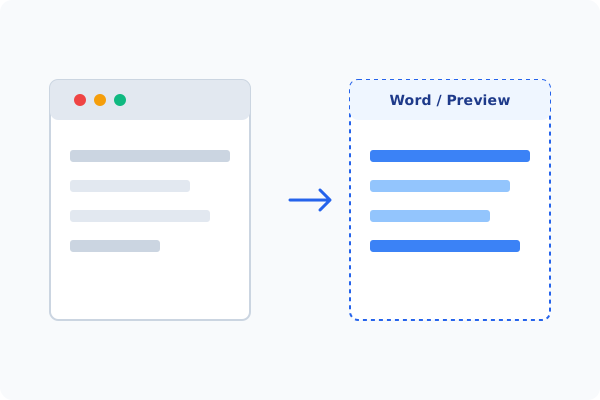
Method 2: How to Process PDF to CAD 100% Offline via PDF Agile
If built-in tools are too manual, convert file layouts, or pose a privacy risk, running a lightweight desktop PDF editor like PDF Agile is the fastest and safest solution on Windows. Follow these steps:
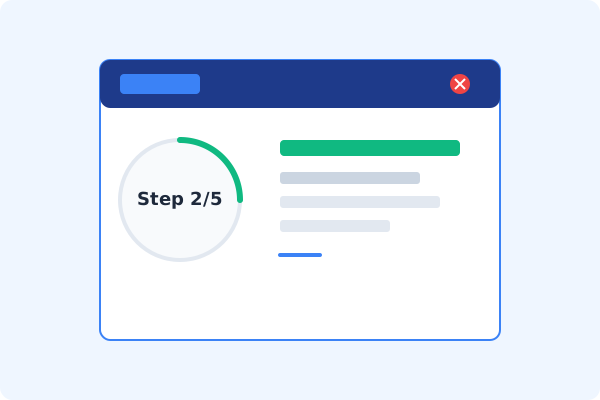
Open PDF Agile and Load PDF Blueprint
Start PDF Agile on your computer and load your vector PDF drawing.
Navigate to the Convert Tab
Click the Convert tab on the top Ribbon menu.
Select PDF to CAD on the Ribbon
Click the PDF to CAD button. A CAD converter dialog will pop up.
Choose DWG or DXF & Scale
Select the output CAD file format (DWG or DXF) and set your scaling and layer preferences.
Convert and Save Locally
Click Convert. The vector CAD drawing is saved directly to your local drive, ready for any CAD software.
Why Desktop Offline PDF Processing is Superior
For individuals and corporations, desktop-grade utilities protect your data boundaries while maintaining peak rendering speed:
Convert PDF drawings to high-quality vector DWG and DXF formats standalone
Preserve vector lines, curves, solid fills, and drawing layers accurately
100% offline desktop processing
absolute security for proprietary designs

Offline Local Software vs. Online & Subscription Editors
Before deciding how to handle your document, look at how different solutions stack up against your requirements:
| Features / Risks | Online PDF Editors | Adobe Acrobat | PDF Agile (Offline) |
|---|---|---|---|
| Data Privacy & Safety | ❌ Unsafe (File Uploaded to Cloud) | ⚠️ Average (Cloud Sync Enabled) | ✔ 100% Safe (Processed Locally) |
| File Size & Page Limits | ❌ Strict Limits (Often <20MB) | ✔ Unlimited Pages | ✔ Unlimited Pages (No Cap) |
| Subscription Fees | ⚠️ Free with Ads or Monthly Cap | ❌ Very Expensive ($20+/Month) | ✔ Affordable Lifetime Buyout |
| Offline Performance | ❌ Zero (Requires Internet) | ✔ Slow Setup & Cloud Checks | ✔ Instant Local CPU/GPU Loading |
Contextual PDF Guidelines
Managing complete workflows? To take quick measurements directly on the PDF before conversion, you can measure distance on PDF offline, or convert PDF to Office offline to export drawing notes.
Frequently Asked Questions & Workarounds
Are layers preserved during the PDF to CAD conversion?
Yes. If your PDF contains original vector layers, PDF Agile preserves them, allowing you to organize elements in your CAD editor.
Does it convert scanned raster PDFs to vector CAD?
If the PDF is a scanned image, it will import as a background raster image. PDF to CAD works best with vector PDFs exported directly from CAD tools.
Is there a fee or page limit?
No. The desktop app converts unlimited files offline on your computer, with zero limits.
Tired of Expensive Adobe Subscriptions?
Try PDF Agile. Get professional, desktop-grade PDF tools with a lifetime buyout license. 100% offline and secure.