How to Convert Scanned PDF to Text with OCR Offline
Run OCR to extract text, formulas, and handwriting from scanned PDF offline on desktop. Secure local OCR by PDF Agile.
Scanned paper documents, receipts, and book pages are saved as flat images inside PDF files, meaning you cannot highlight, search, or edit the text. Running Optical Character Recognition (OCR) is required to unlock this data. If you are handling confidential documents, cloud OCR tools expose your data to security leaks. This guide explains how to convert scanned PDF to text with OCR offline using PDF Agile.
Free General Methods to Resolve This Task
Method 1: Operating System Free OCR Options
Modern desktop operating systems include basic built-in tools to extract text from images and PDFs for free:
- Windows Snipping Tool Text Actions (Free): Take a screenshot of the scanned PDF page. Open the Snipping Tool, click the Text Actions button. The AI will analyze the screenshot and let you click Copy all text. Note that this only handles one screen region at a time.
- macOS Live Text (Mac-only): Open your scanned PDF in macOS Preview. Preview's Live Text automatically detects text. You can simply highlight text with your mouse, copy it (Cmd+C), and paste it elsewhere. This only supports basic text, not batch file searchability.
To convert multi-page scanned files into searchable, editable PDFs in batch, use the specialized OCR tools in PDF Agile.
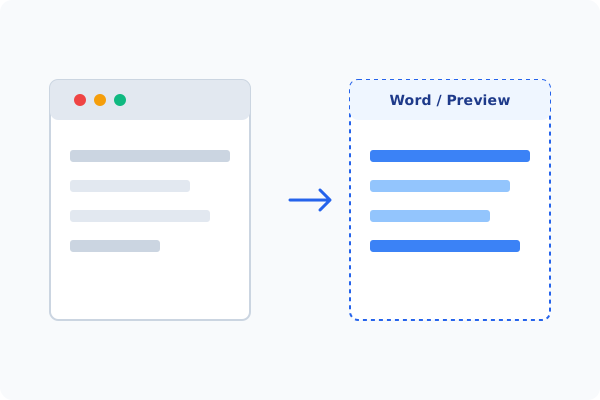
Method 2: How to Process Scanned PDF OCR 100% Offline via PDF Agile
If built-in tools are too manual, convert file layouts, or pose a privacy risk, running a lightweight desktop PDF editor like PDF Agile is the fastest and safest solution on Windows. Follow these steps:
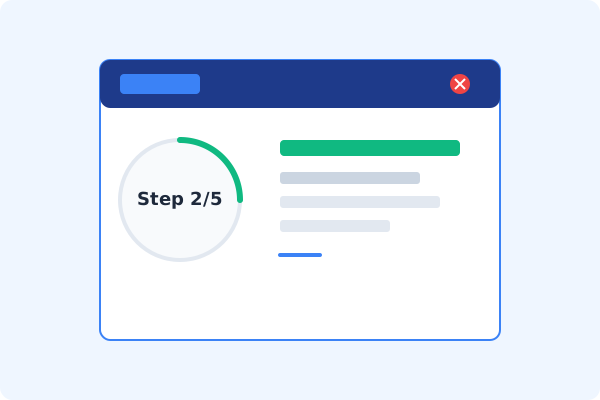
Open PDF Agile & Load Scanned PDF
Launch the desktop app and open your scanned document or image file.
Go to the Convert Tab
Click the Convert tab on the Ribbon menu to view format and character tools.
Select OCR on the Ribbon
Click the OCR button. A local OCR wizard dialog will open.
Configure Language & Layout Options
Select the target languages (PDF Agile supports multilingual documents) and choose to output editable text, searchable PDF, or formulas.
Run OCR and Save Locally
Click Apply. The high-performance OCR engine runs locally, saving the searchable PDF to your local drive.
Why Desktop Offline PDF Processing is Superior
For individuals and corporations, desktop-grade utilities protect your data boundaries while maintaining peak rendering speed:
Extract printed text, mathematical formulas, and handwriting offline
Make scanned PDFs fully searchable and editable in batch
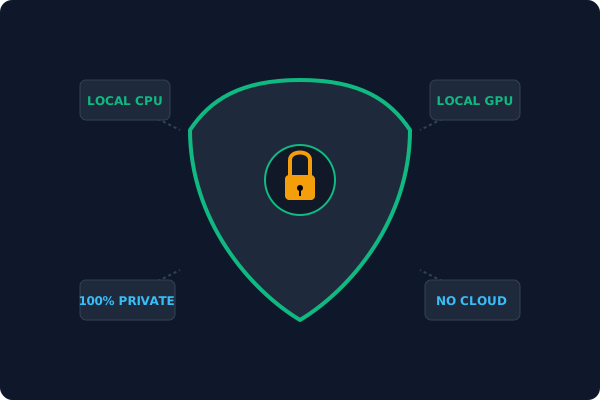
Local offline OCR engine
sensitive scans never leave your device
Offline Local Software vs. Online & Subscription Editors
Before deciding how to handle your document, look at how different solutions stack up against your requirements:
| Features / Risks | Online PDF Editors | Adobe Acrobat | PDF Agile (Offline) |
|---|---|---|---|
| Data Privacy & Safety | ❌ Unsafe (File Uploaded to Cloud) | ⚠️ Average (Cloud Sync Enabled) | ✔ 100% Safe (Processed Locally) |
| File Size & Page Limits | ❌ Strict Limits (Often <20MB) | ✔ Unlimited Pages | ✔ Unlimited Pages (No Cap) |
| Subscription Fees | ⚠️ Free with Ads or Monthly Cap | ❌ Very Expensive ($20+/Month) | ✔ Affordable Lifetime Buyout |
| Offline Performance | ❌ Zero (Requires Internet) | ✔ Slow Setup & Cloud Checks | ✔ Instant Local CPU/GPU Loading |
Contextual PDF Guidelines
Managing complete workflows? Once your scanned file is OCRed, you can extract tables from PDF to Excel offline to retrieve table structures, or edit PDF text offline to correct spelling.
Frequently Asked Questions & Workarounds
Can PDF Agile OCR read handwriting?
Yes. The advanced OCR engine is trained to recognize both printed typefaces and various handwriting styles offline.
What is a 'Searchable PDF'?
A Searchable PDF keeps the original scanned image on top but embeds an invisible text layer underneath, enabling text highlight, search, and copy.
Does local OCR require an internet connection?
No. The full OCR neural library is packaged in the desktop application, running 100% offline on your device.
Tired of Expensive Adobe Subscriptions?
Try PDF Agile. Get professional, desktop-grade PDF tools with a lifetime buyout license. 100% offline and secure.