How to Edit a Watermark in PDF Offline
Learn how to edit, update, or remove a watermark in PDF offline on desktop — adjust text, opacity, and position securely with PDF Agile.
A watermark might say DRAFT, CONFIDENTIAL, or carry a company logo — and sometimes you need to change its text, adjust its transparency, reposition it, or remove it entirely. The catch is that operating systems can add a watermark during printing but cannot edit or remove one. This guide walks through the free options and their limits, then shows how to fully manage watermarks offline with PDF Agile.
Free General Methods to Resolve This Task
Method 1: Free Watermark Workarounds (and Their Limits)
Built-in tools can add a watermark but struggle to edit or remove an existing one:
- Microsoft Word Watermark (Free, source file only): If you have the editable source, open it in Word, go to Design > Watermark, choose or customize a stamp, then export to PDF. You can change the text here before exporting, but not on a finished PDF.
- Printer Driver Watermark Tab (Free): Some HP/Canon/Xerox print drivers include a watermark overlay option when you print to PDF.
- Removal Limitation: No built-in Windows or macOS tool can edit or remove a watermark already baked into a flat PDF — free online removers require uploading your file, a privacy risk.
Because free tools cannot edit an existing watermark, a dedicated desktop editor is the only reliable two-way solution. PDF Agile lets you add, update, and delete watermarks entirely offline.
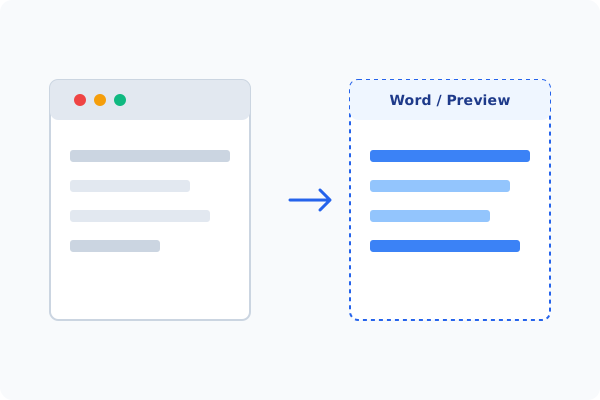
Method 2: How to Process Edit Watermark 100% Offline via PDF Agile
If built-in tools are too manual, convert file layouts, or pose a privacy risk, running a lightweight desktop PDF editor like PDF Agile is the fastest and safest solution on Windows. Follow these steps:
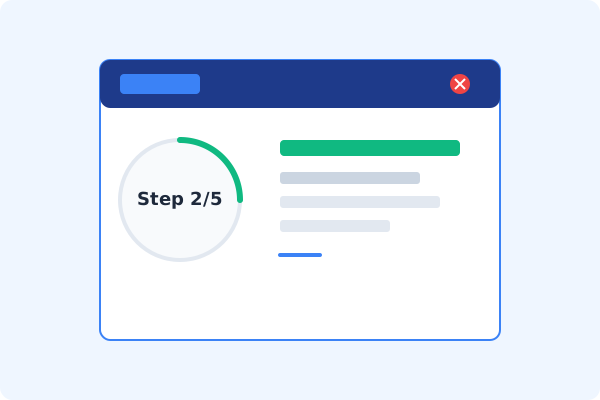
Open PDF Agile & Load the PDF
Launch PDF Agile and open the watermarked document locally.
Go to the Protect or Edit Tab
Click the Protect (or Edit) tab on the Ribbon menu.
Click Watermark
Select Watermark to open the watermark control panel.
Update, Reposition, or Delete
Choose Update to change the text, opacity, rotation, and position, or Delete to remove the watermark layer entirely.
Apply and Save Locally
Confirm in the preview, click Apply, and press Ctrl+S to save.
Why Desktop Offline PDF Processing is Superior
For individuals and corporations, desktop-grade utilities protect your data boundaries while maintaining peak rendering speed:
Edit watermark text, opacity, rotation, and position in seconds
Delete existing watermark layers without touching original content
100% offline
confidential drafts never get uploaded

Offline Local Software vs. Online & Subscription Editors
Before deciding how to handle your document, look at how different solutions stack up against your requirements:
| Features / Risks | Online PDF Editors | Adobe Acrobat | PDF Agile (Offline) |
|---|---|---|---|
| Data Privacy & Safety | ❌ Unsafe (File Uploaded to Cloud) | ⚠️ Average (Cloud Sync Enabled) | ✔ 100% Safe (Processed Locally) |
| File Size & Page Limits | ❌ Strict Limits (Often <20MB) | ✔ Unlimited Pages | ✔ Unlimited Pages (No Cap) |
| Subscription Fees | ⚠️ Free with Ads or Monthly Cap | ❌ Very Expensive ($20+/Month) | ✔ Affordable Lifetime Buyout |
| Offline Performance | ❌ Zero (Requires Internet) | ✔ Slow Setup & Cloud Checks | ✔ Instant Local CPU/GPU Loading |
Contextual PDF Guidelines
Managing complete workflows? If you also need to clear other markings, learn how to add or remove a watermark in PDF offline in depth, or how to erase PDF content offline for stray elements.
Frequently Asked Questions & Workarounds
Can I edit a watermark that is already in a PDF?
Yes. PDF Agile's Watermark tool lets you update the text, transparency, and placement of an existing watermark, then re-apply it.
How do I make a watermark more transparent?
Use the Opacity slider in PDF Agile's watermark panel to lower the transparency so underlying text stays readable.
Does removing a watermark delete the original text?
No. Standard watermarks sit on a separate layer, so deleting it leaves your document content intact.
Tired of Expensive Adobe Subscriptions?
Try PDF Agile. Get professional, desktop-grade PDF tools with a lifetime buyout license. 100% offline and secure.